Loading Ancient Library - Hidden Secrets...
Starting instant session

Ancient Library - Hidden Secrets
by SnapGamzAncient Library - Hidden Secrets
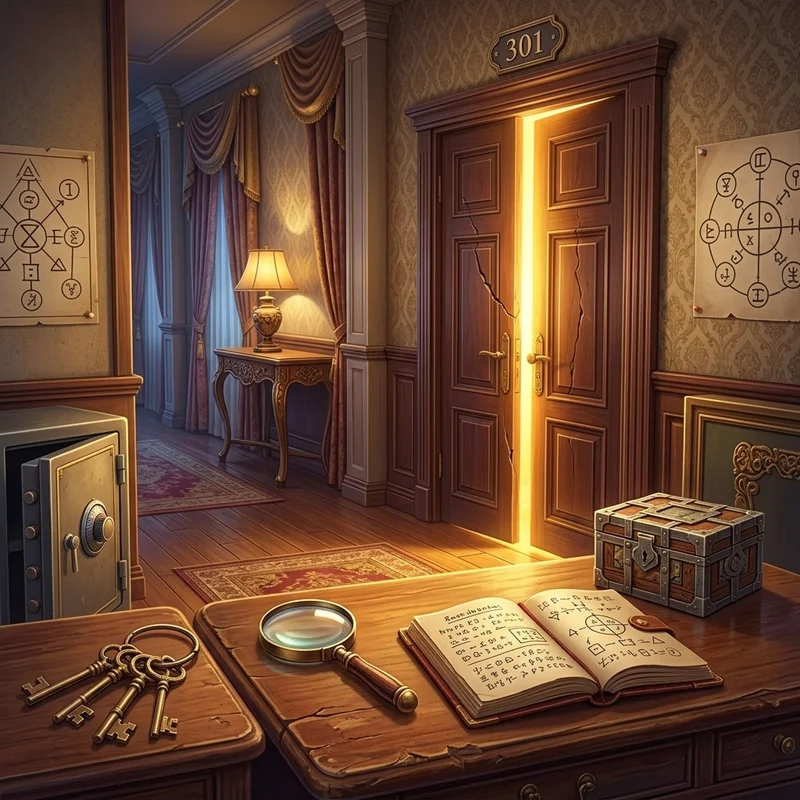
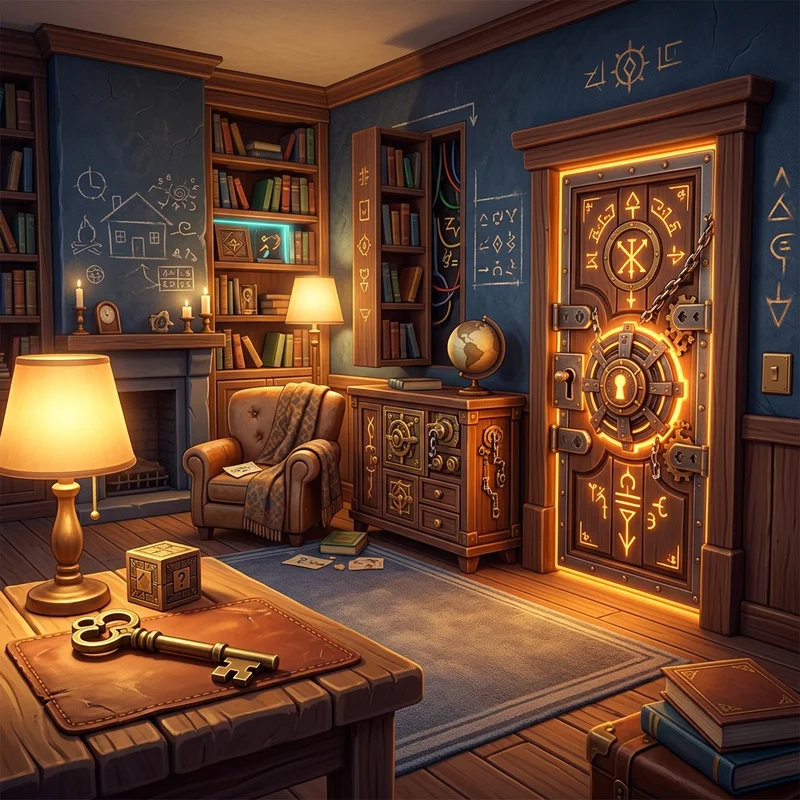
Find all the hidden secrets in the Ancient Library. Click or tap to find an object or difference. Sharpen your observation in Ancient Library - Hidden Secrets as you inspect richly detailed scenes for concealed items, subtle differences, and elusive clues. Each environment requires a thorough eye to spot cleverly camouflaged objects blending into backgrounds. Scan systematically across foreground elements, shadowy corners, and architectural features. Managing your time while avoiding false clicks allows you to uncover every hidden mystery efficiently.
About this game
Controls
Mouse Left Click to select, move, and place items. Touch & Drag to smooth intuitive touch controls on mobile. On-Screen Buttons to access hints, undo, and settings.
Supported devices
Desktop, phone and tablet
Publisher
SnapGamz
Genre
Release Date
2026
Latest update
July 2024
How to Play Ancient Library - Hidden Secrets
Find all the hidden secrets in the Ancient Library. Click or tap to find an object or difference.
Key Features
- Richly painted, atmospheric environments filled with meticulously concealed details
- Zoom and pan navigation allowing close inspection of intricate room corners
- Contextual hint system that guides attention toward elusive remaining objects
- Item list variety incorporating silhouette matching, word clues, and picture icons
- Immersive investigative atmosphere that rewards patient observation and thorough scanning
Tips & Strategies
- 1Divide the scene into four imaginary quadrants and search one quadrant thoroughly before moving to the next.
- 2Look for unnatural silhouettes or inverted color contrasts that reveal camouflaged items against backgrounds.
- 3Avoid rapid random clicking, as incorrect guesses often trigger time penalties or hint cool-downs.
Frequently Asked Questions
Use pinch-to-zoom gestures on mobile or the on-screen magnifying glass controls on desktop to enlarge cluttered areas and reveal cleverly hidden objects.